
Dell Rack 2012#
After over a whole year since receiving it I have finally made full use of my rack and transferred all of my computers and equipment to it.
Pictures#
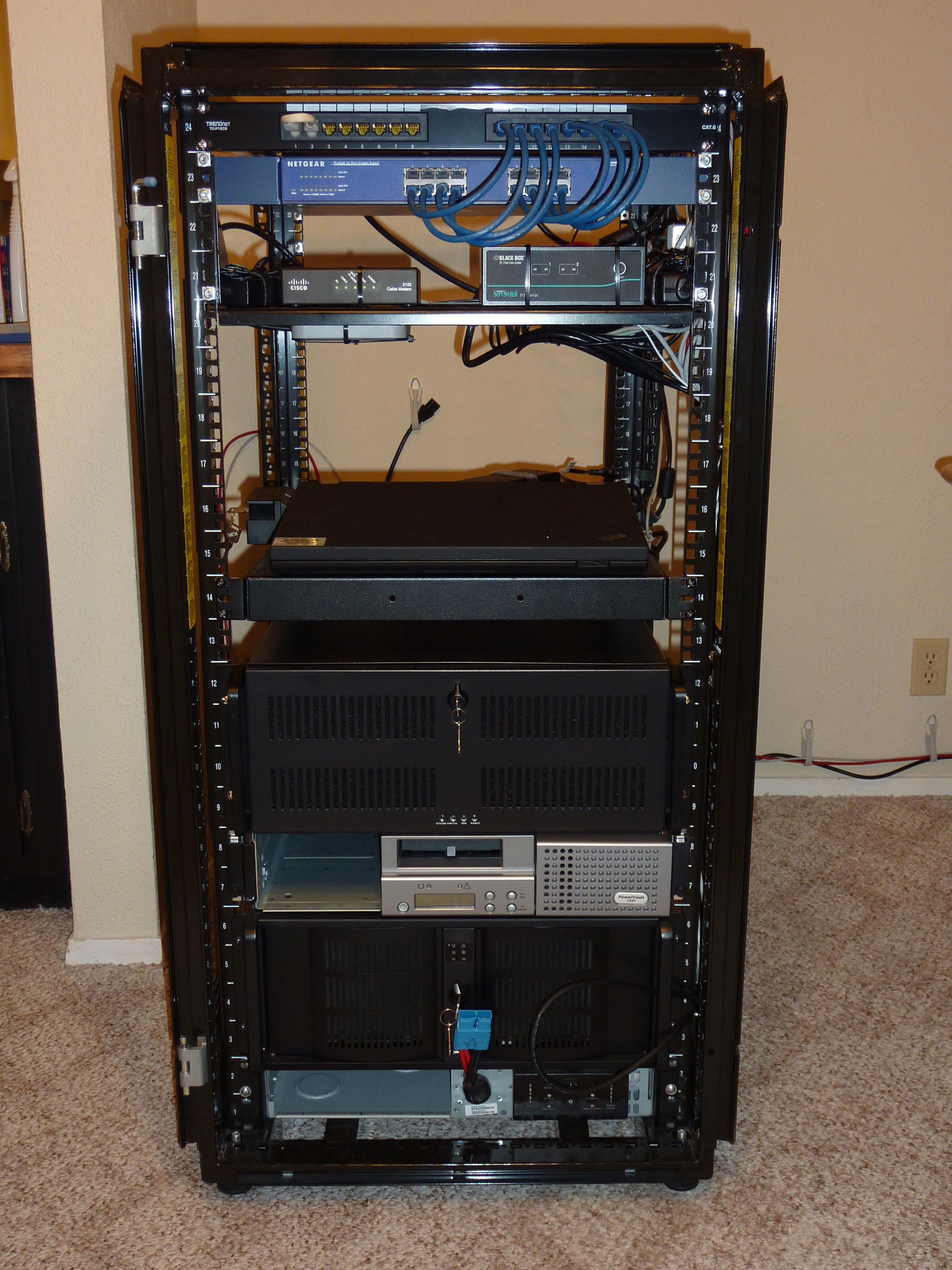
From the top: patch panel; gigabit switch; cable modem; KVM; Obi202 VoIP; ThinkPad W510; “Desktop” computer; Dell PV-124t tape autoloader; Linux file server; SUA2200RM2U UPS.# |
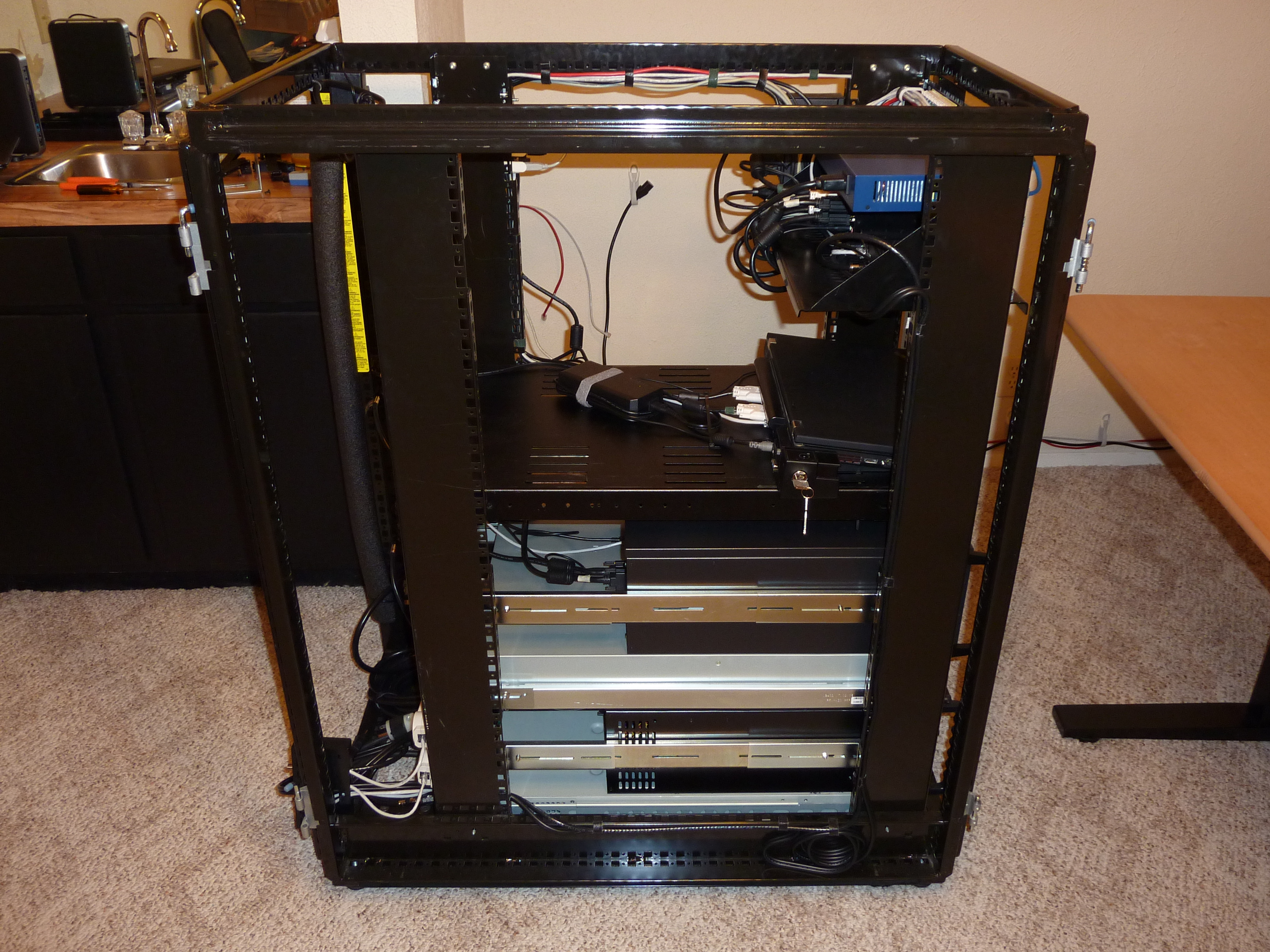
On this side I only wired audio from the KVM and CATV.# |
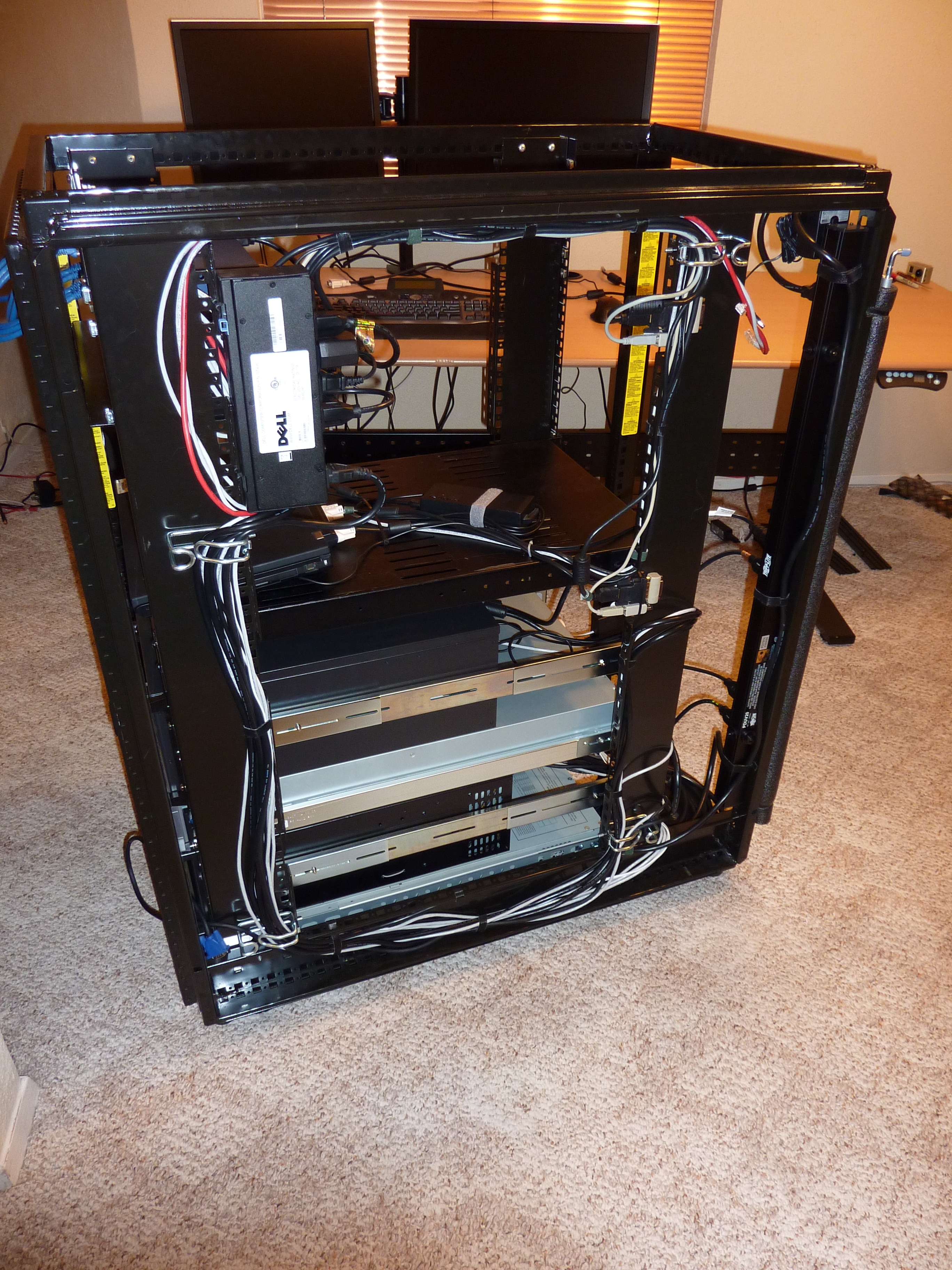
I routed almost all cables on this side. Ethernet, power to the rear power strip, USB, video, etc.# |
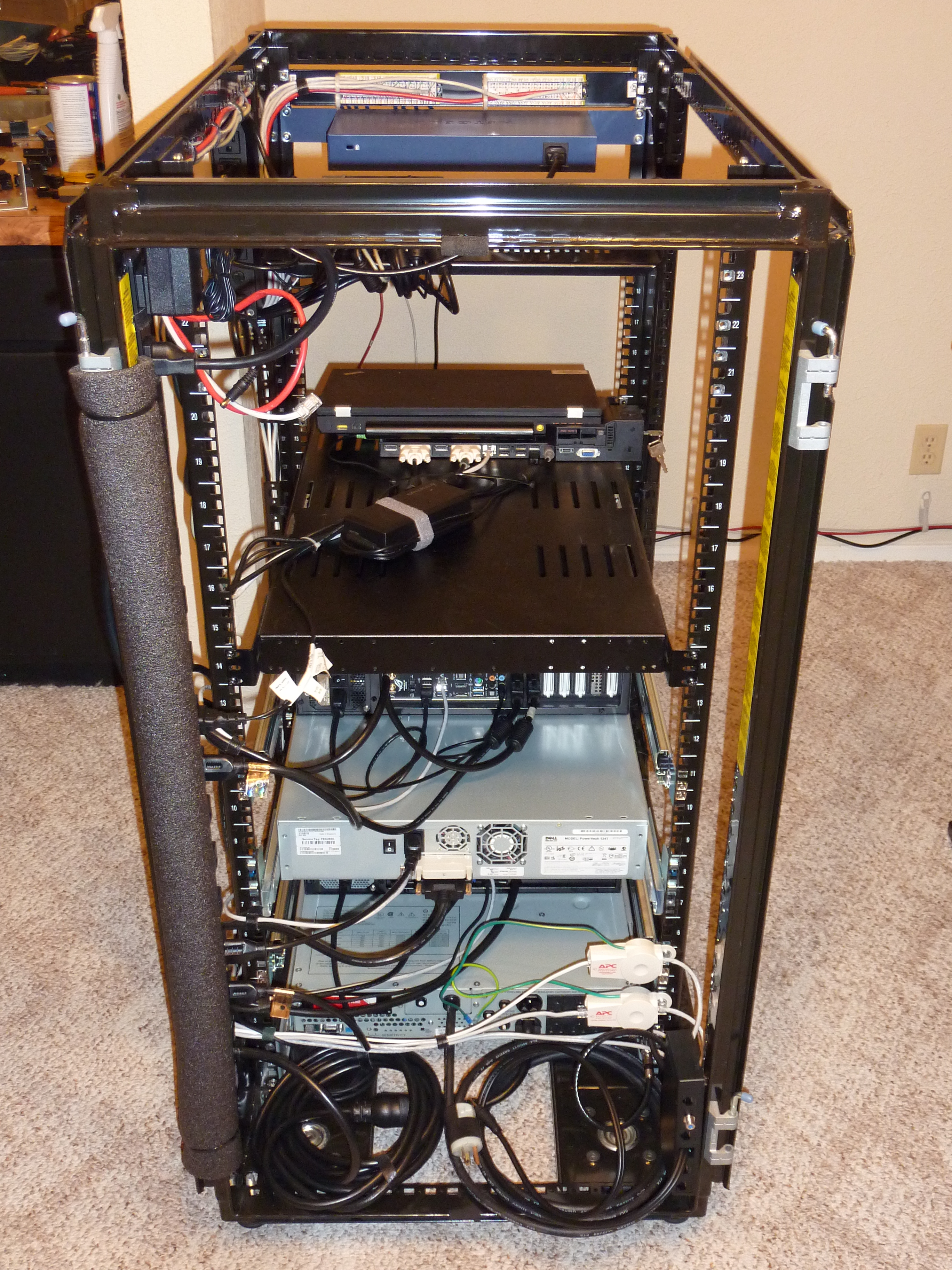
Here you can see the two ethernet surge protectors as well as my attempted cable management.# |
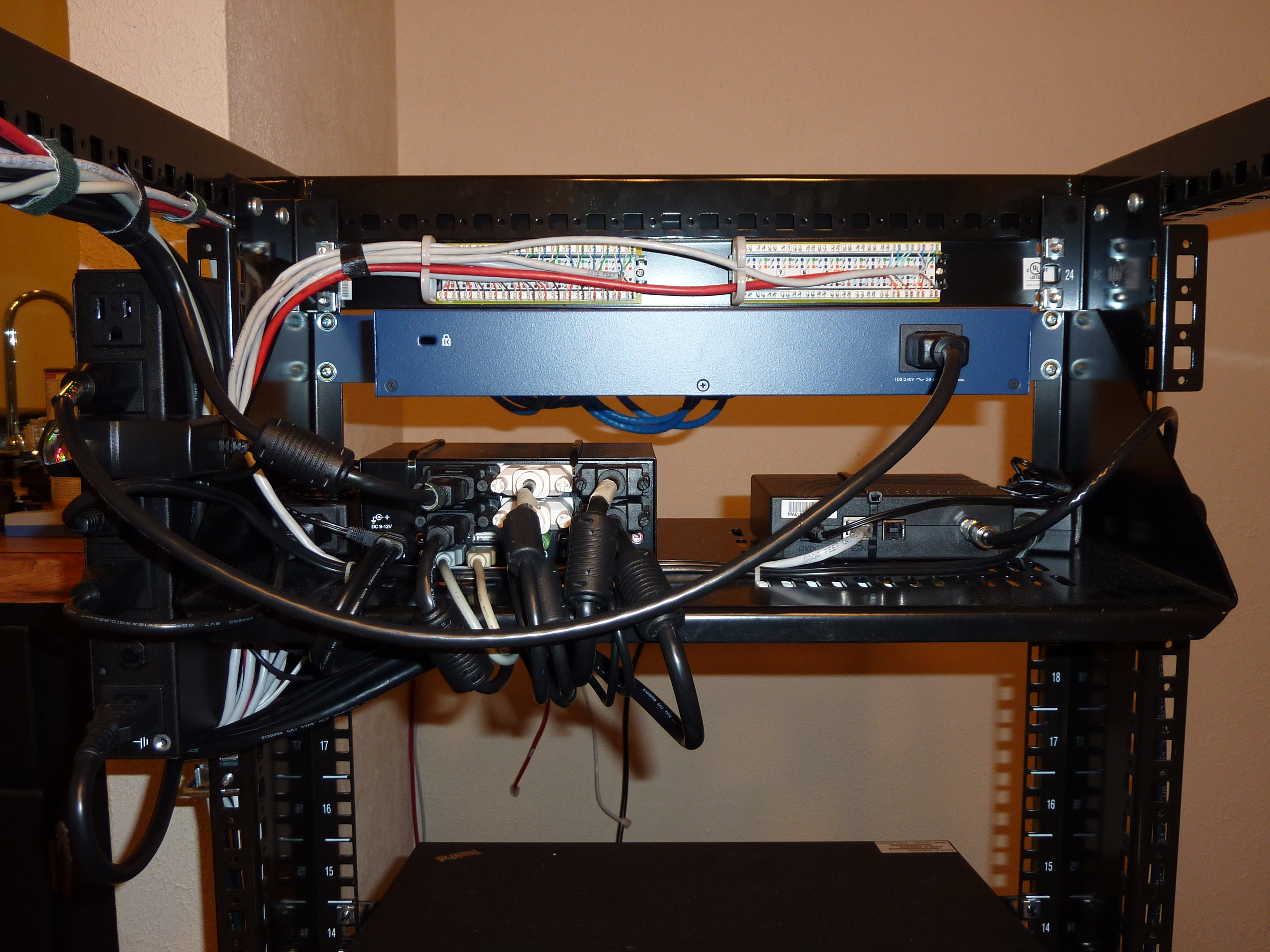
|
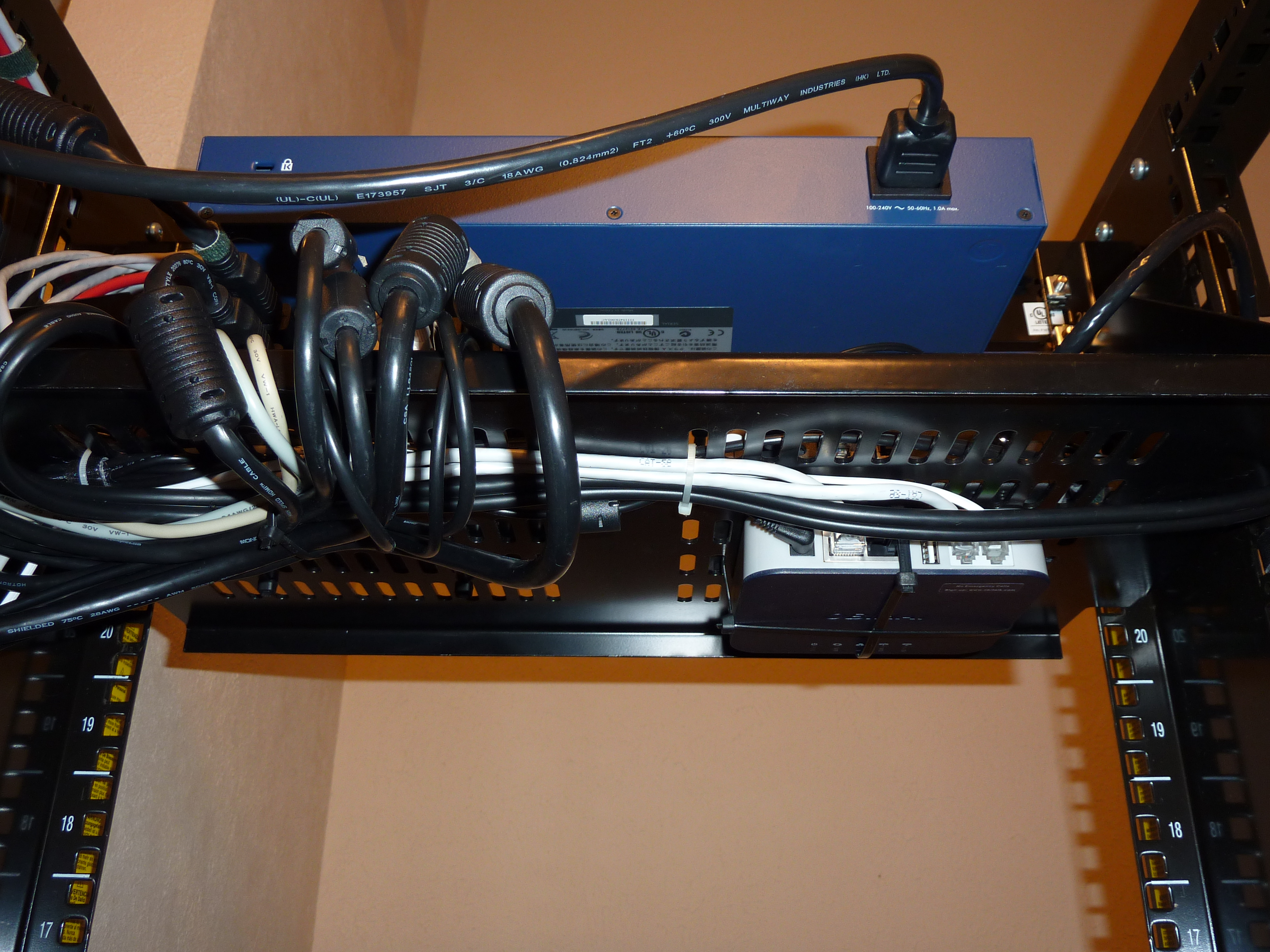
Zip tied to the underside of the shelf I have my Obi202 box. It let me hook up my fax printer and landline telephone to it to two Google Voice numbers. All free!# |
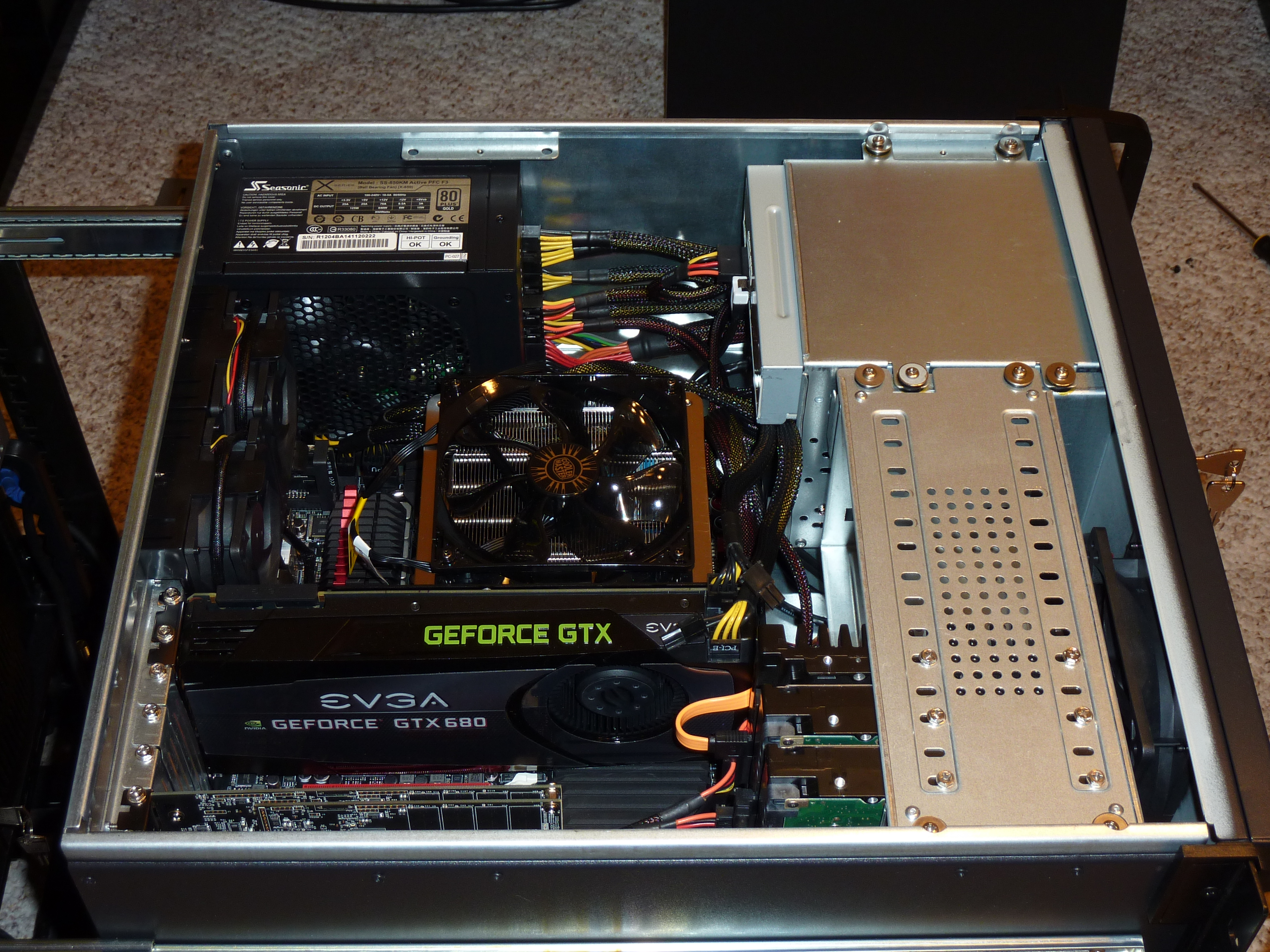
After 6 years it was finally time to build another computer. ARK 4U-500-CA; i7-3770K Ivy Bridge; 32 GB DDR3 RAM (F3-1600C9Q-32GXM); ASUS Maximus V EXTREME; EVGA GTX 680; 240 GB PCI-E SSD (OCZ RevoDrive 3 X2); SeaSonic X-850; Windows 8 Pro# |
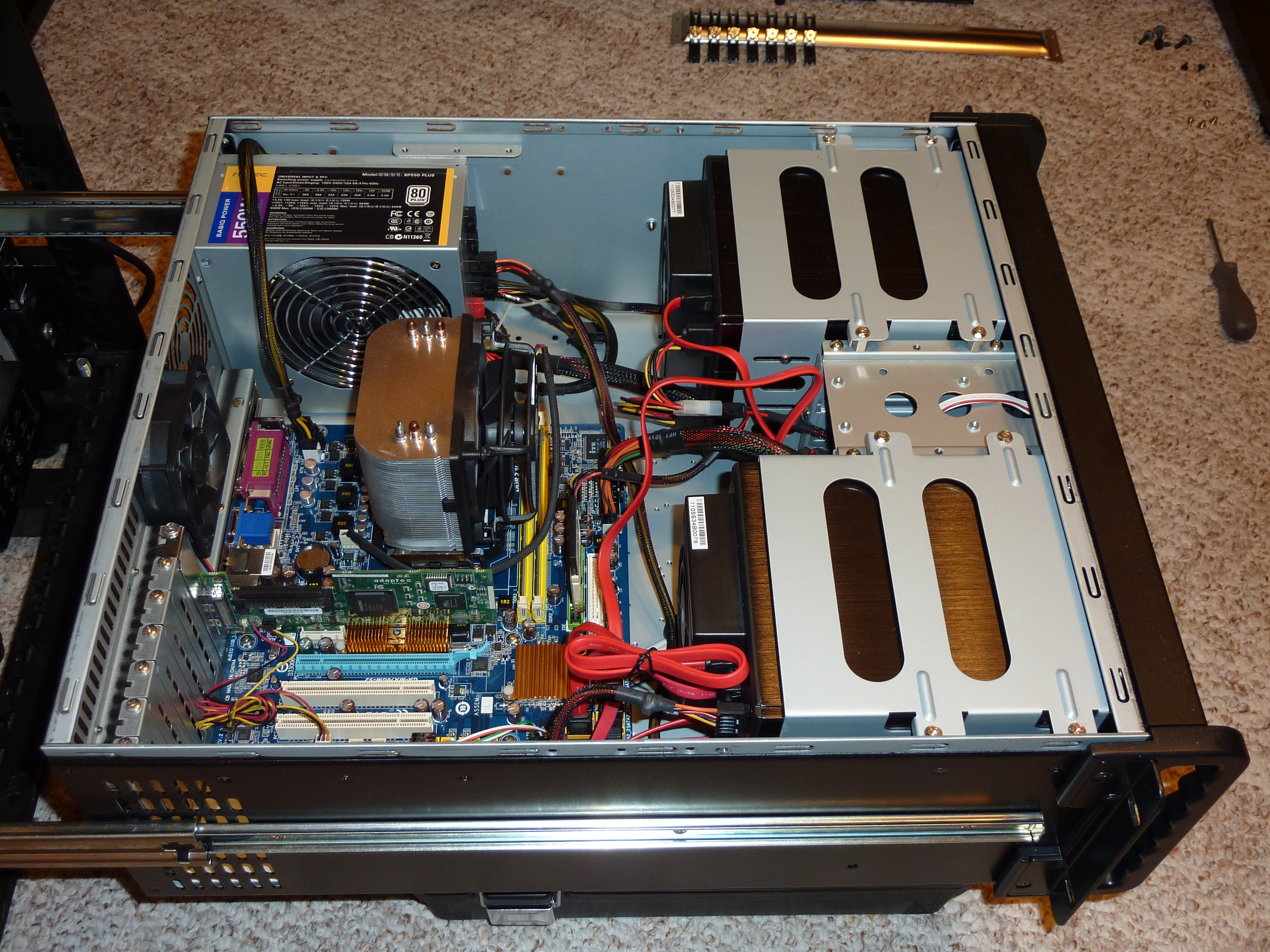
iStarUSA D-400-6; AMD Athlon X2 BE-2400; 1 GB RAM; Gigabyte GA-MA74GM-S2; CentOS 5.7; 5x1TB RAID5; 1 GB CF card (boot device).# |
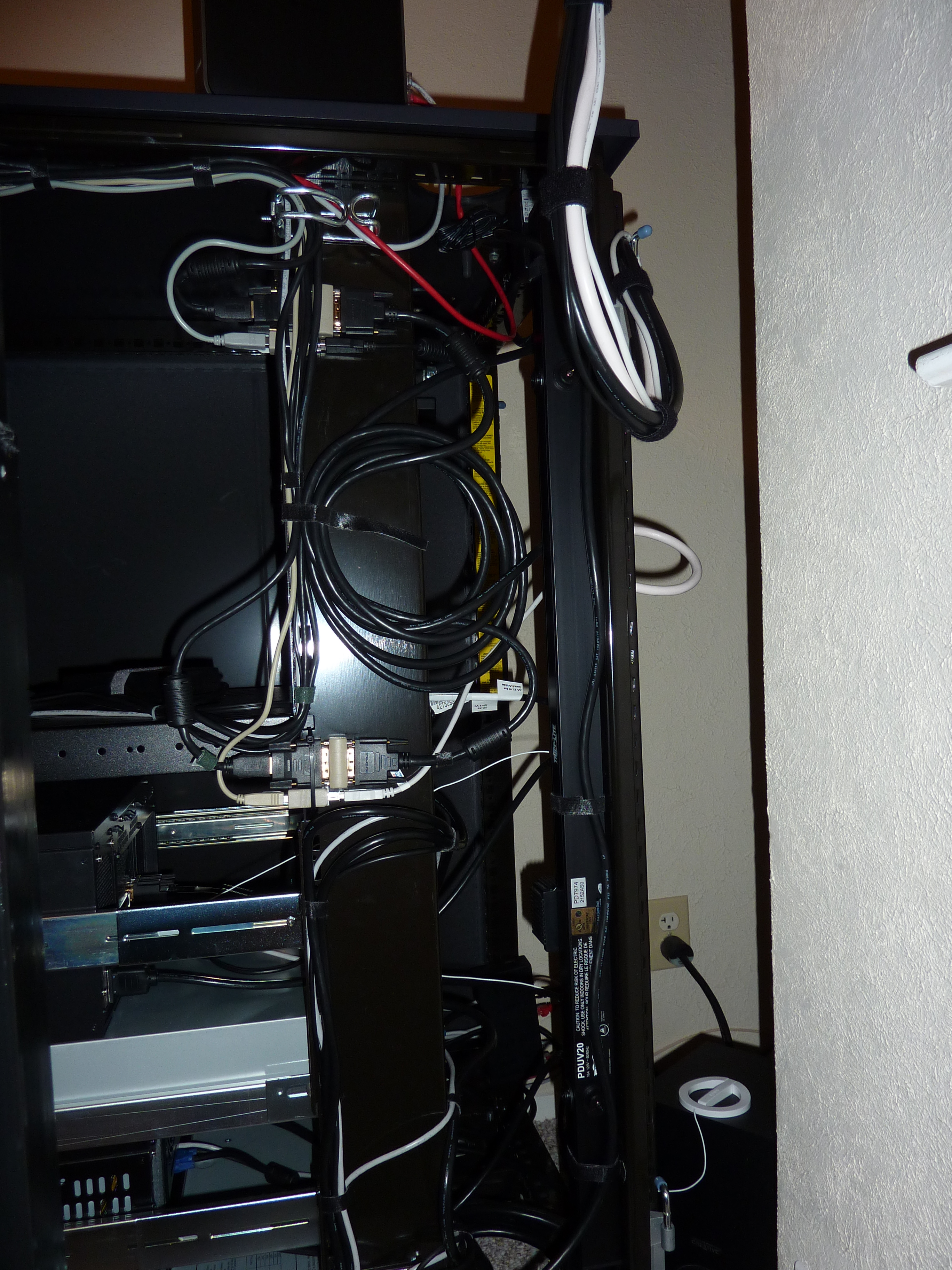
I tried to make it easy to disconnect my rack and move it out of its corner without having to undo all of my wiring.# |
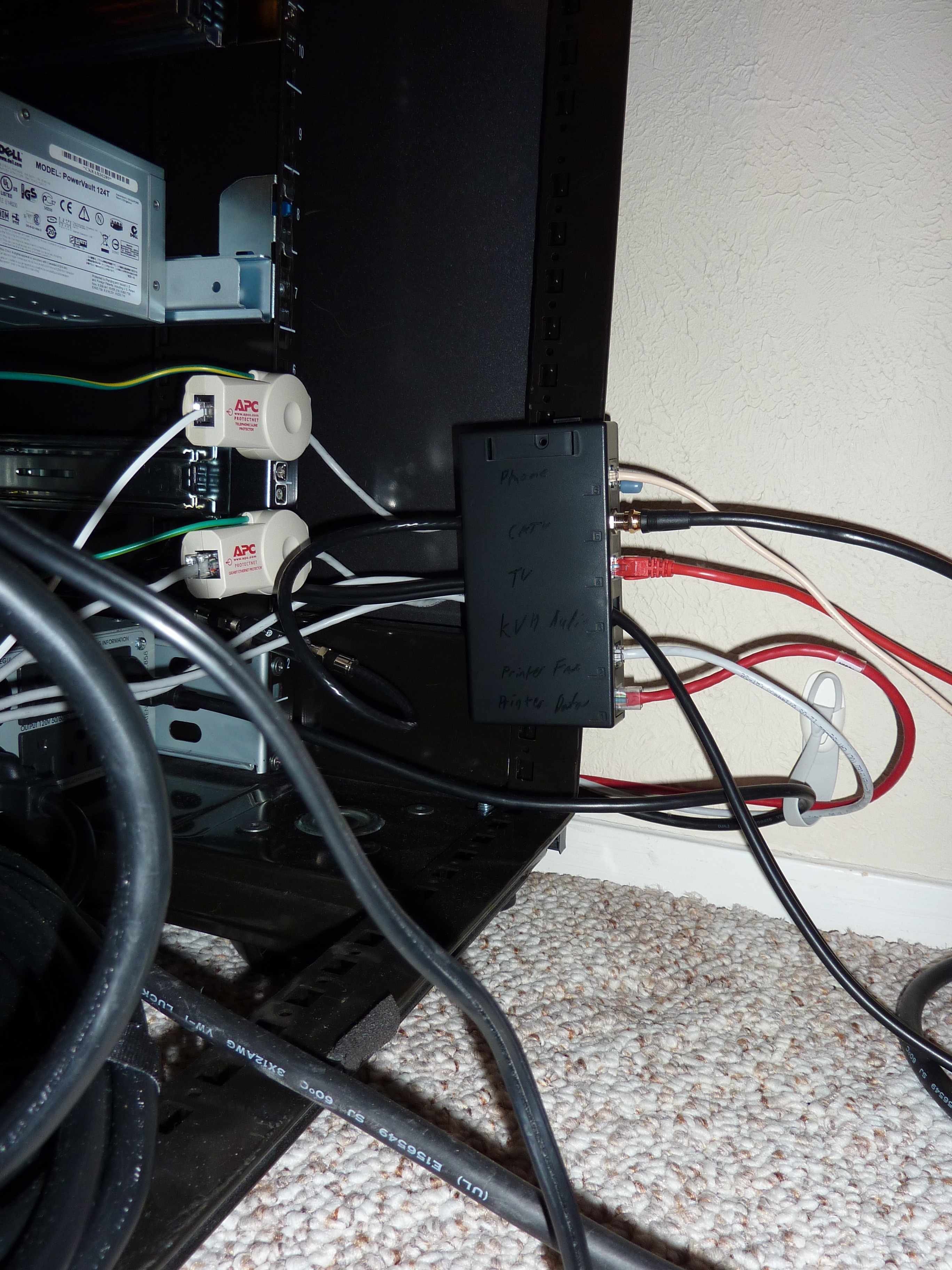
This looked better in my mind before implementing it.# |
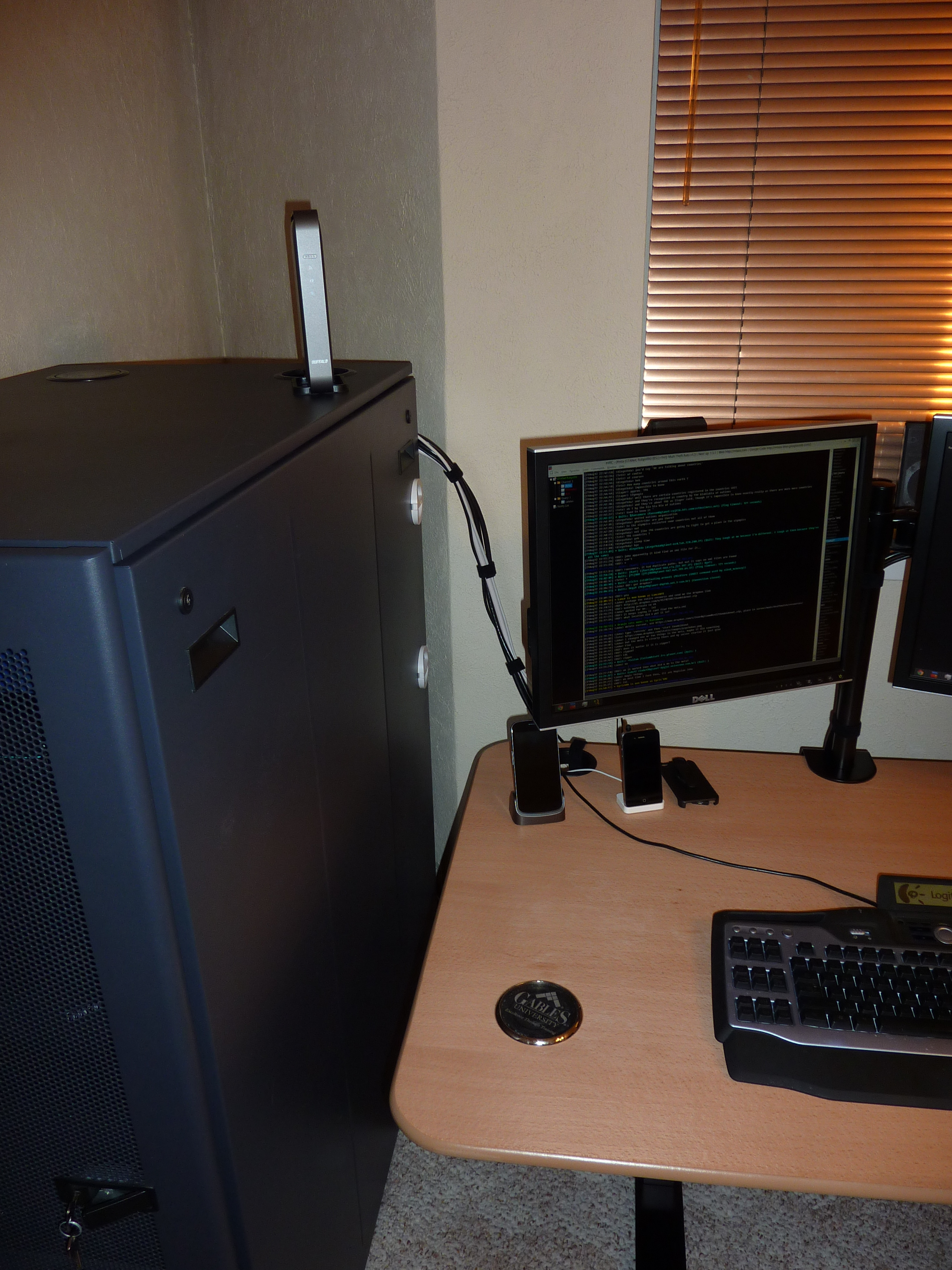
I made sure there was enough slack in the “umbilical cord” to allow my desk to go all the way down, to avoid any accidents.# |
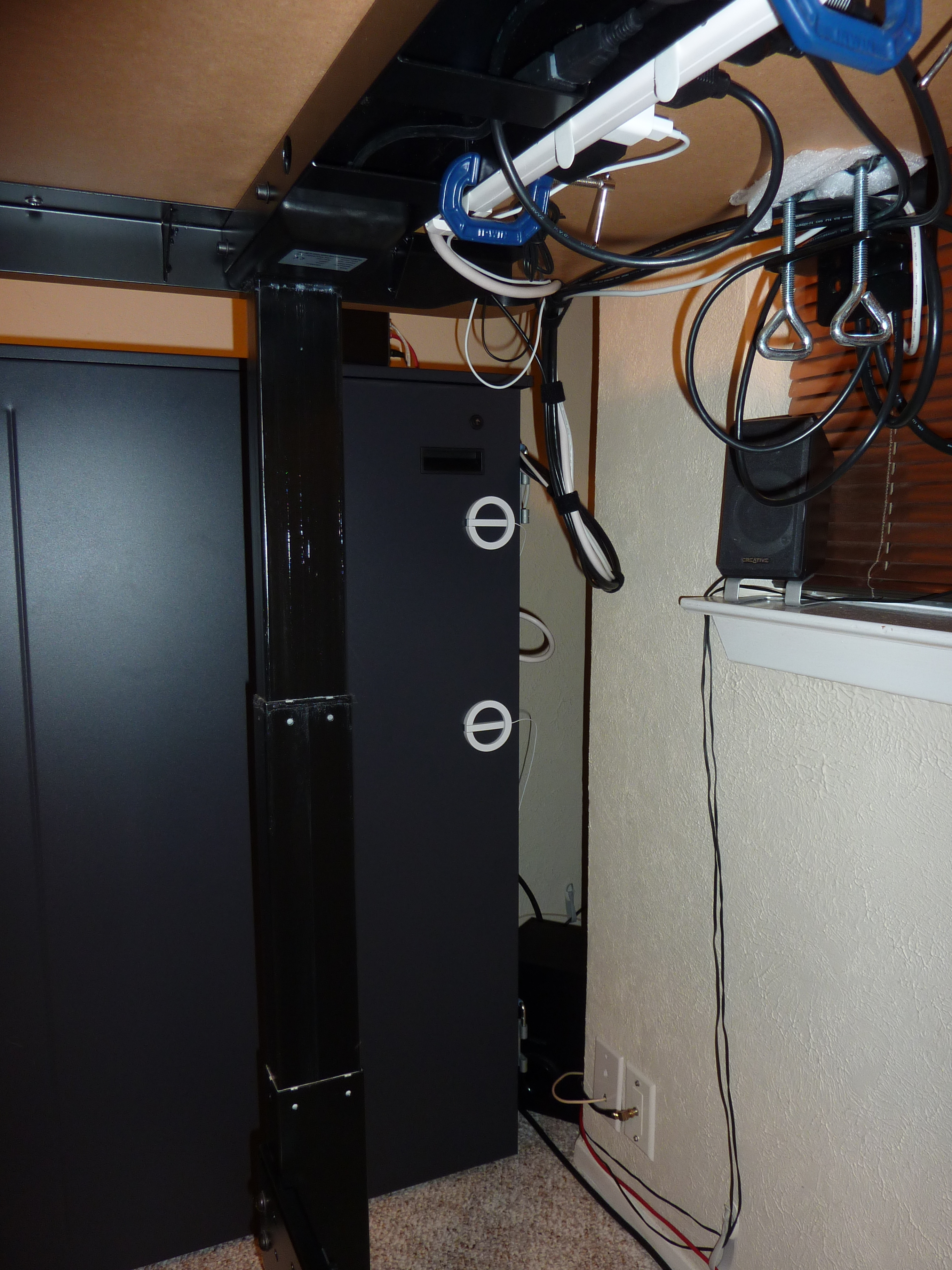
The white things are the antennas for my desktop’s WiFi/bluetooth adapter built into my motherboard.# |
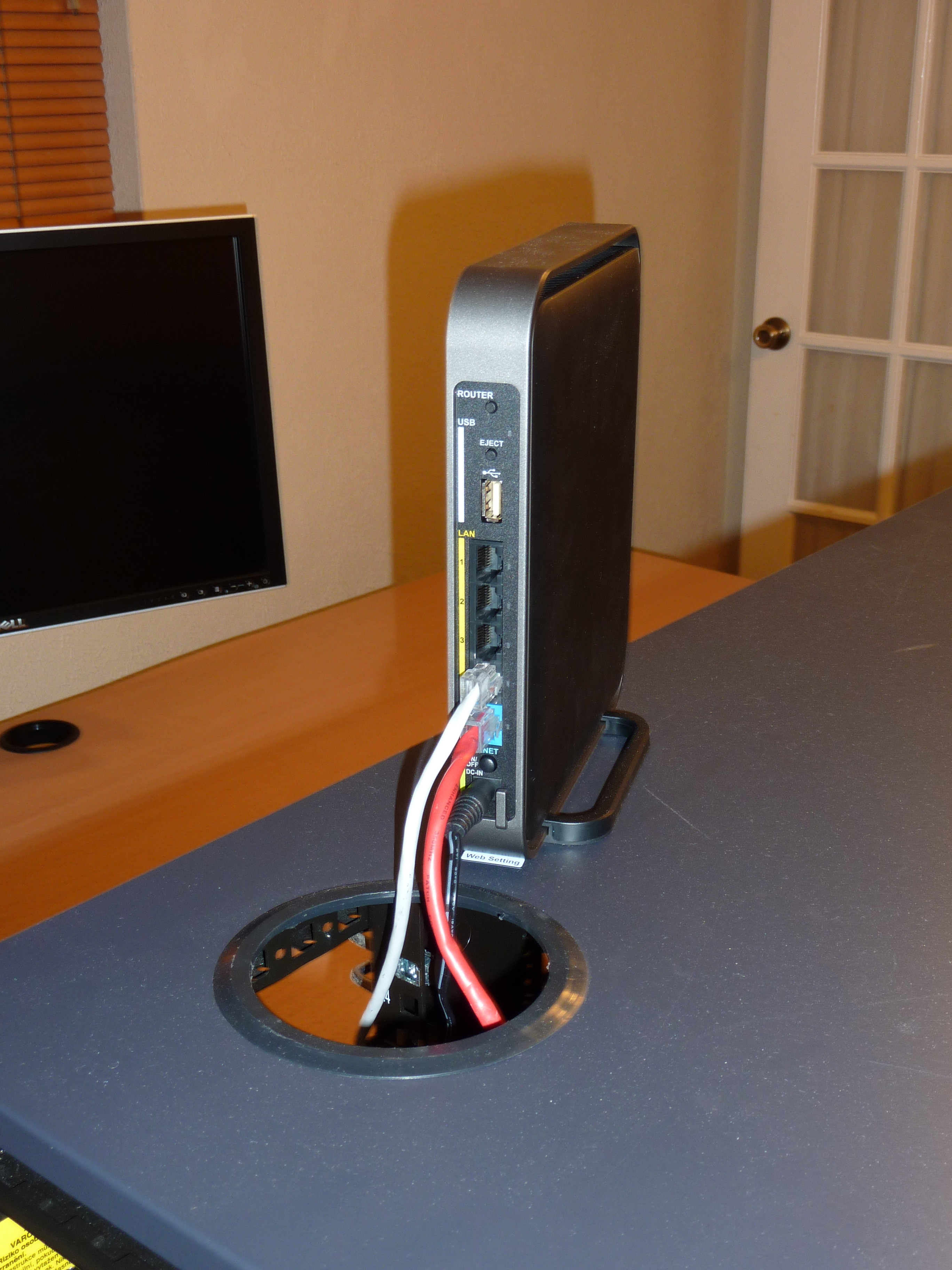
This Buffalo 802.11ac wireless router was a piece of crap.# |
Comments
comments powered by Disqus